1.3.1 NETWORKS AND TOPOLOGIES

LAN hardware

  • A Local Area Network uses different hardware for different jobs, from joining a device to the network to sending traffic to the right place.
  • Some hardware connects devices inside one LAN, while some hardware links one network to another.
  • You also need suitable transmission media, such as UTP copper or fibre optic cable, depending on distance, bandwidth and interference.

How a school LAN connects

Desktop NIC inside Switch Wireless access point Router to WAN / internet Wired link Wireless link

Choosing the right medium

UTP copper Fibre optic Desktop to switch Cheap and flexible common inside rooms Backbone / building links Uses light for longer distances with higher bandwidth

Quick Reference

Use the slide facts and source images to review the six key pieces of hardware and media.

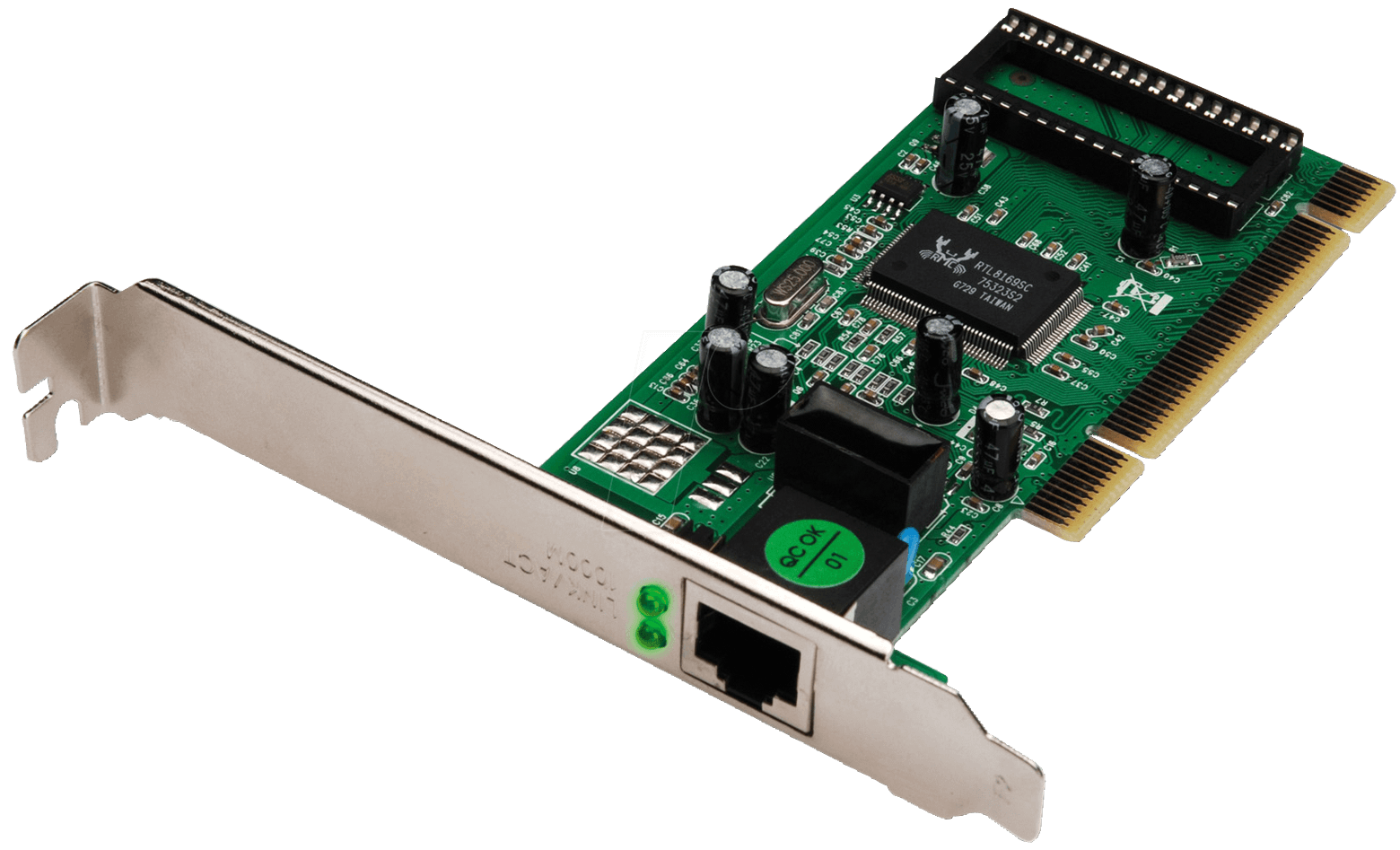
Network interface card

Network interface controller (NIC)

  • Connects a device to a wired or wireless network.
  • Uses protocols to allow successful communication.
  • Often integrated into the motherboard instead of being a separate card.
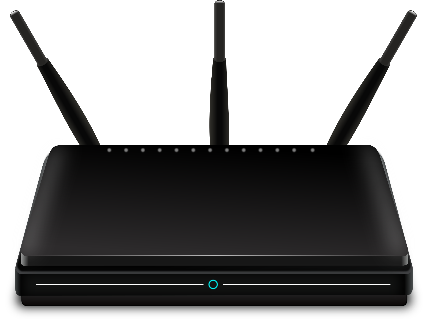
Wireless access point

Wireless access point

  • Lets wireless-enabled devices join the network without cables.
  • Convenient, but usually lower bandwidth than wired links.
  • Wireless security and reliability need extra care.
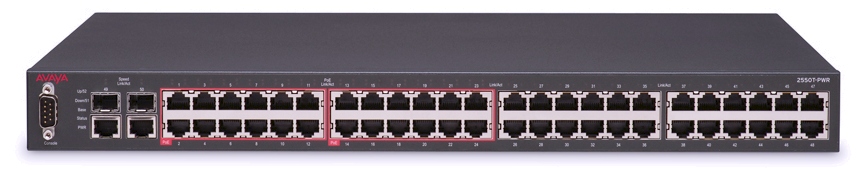
Switch

Switch

  • Sends data between computers on a LAN.
  • Learns which devices are connected.
  • Forwards traffic intelligently to the correct location.
Router

Router

  • Sends data between networks.
  • Needed to connect a LAN to a WAN.
  • Uses IP addresses to route traffic onwards.
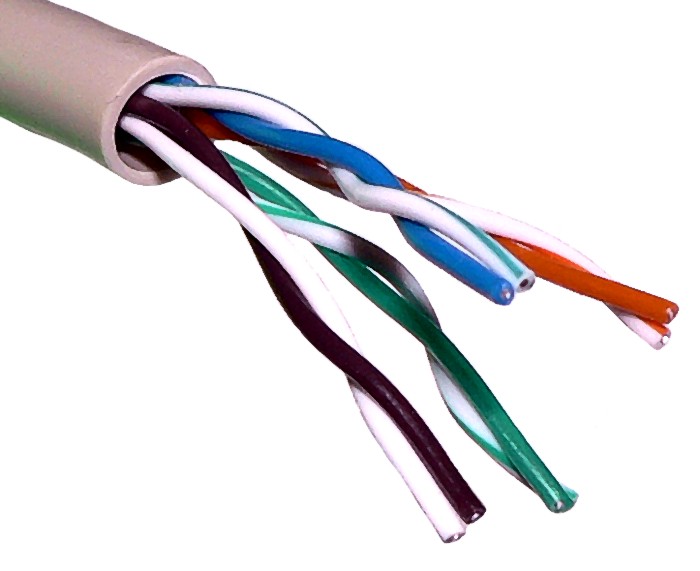
Unshielded twisted pair copper cable

UTP copper cable

  • Wired connection with good reliability, security and bandwidth.
  • Twisted wires reduce interference.
  • Cheap and flexible, so easy to install around a LAN.
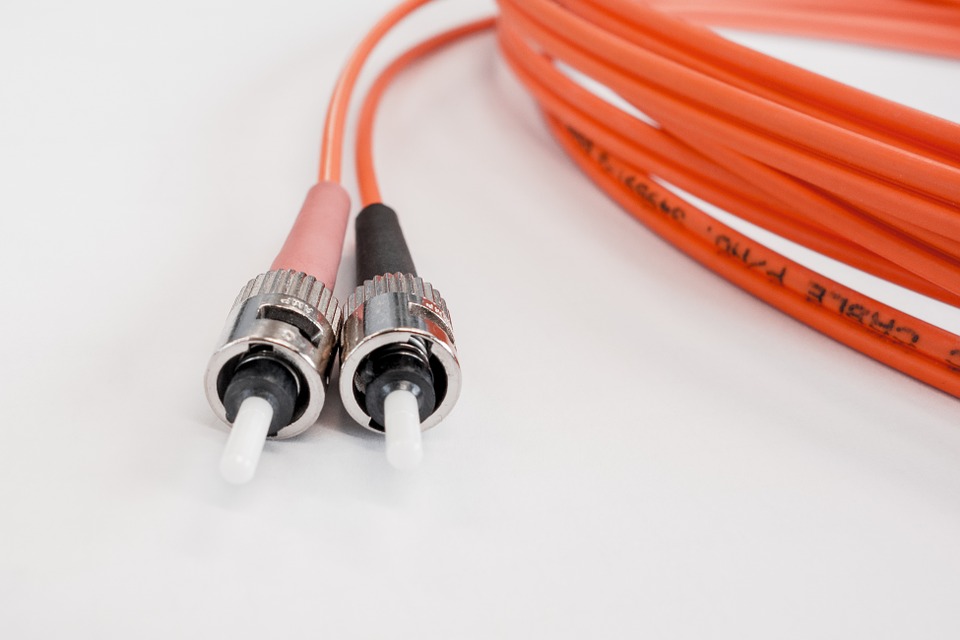
Fibre optic cable

Fibre optic cable

  • Uses light to transmit data.
  • Works over longer distances with high bandwidth.
  • Used for backbones and wider area links because it suffers less interference.

Activity 1: Match each fact card

Drag each statement into the correct hardware or media box.

0 / 12 correct
Statement cards

Activity 2: Choose the best hardware

Read each situation and decide which hardware or medium is the best fit.

0 / 6 correct

Activity 3: Retrieval quiz and explain

Answer the recap questions, then explain how a school LAN could use several of these devices together.

0 / 4 correct
1. Which hardware sends data between computers on the same LAN?
2. Which hardware is required if a LAN needs to connect to a WAN?
3. Which transmission medium uses light and is good for longer distances?
4. Which statement about wireless access points is true?

Download PDF

Download a PDF of student responses, scores and model answers.