
YEAR 8 COMPUTING • COMPUTER SYSTEMS. LESSON 1 • ACTIVITY 2

Your software

Work through the three worksheet tasks: identify programs you use, list more familiar software, and decide whether different things on a computer really count as programs.

An illustration showing a document app, browser window, creative app, and settings panel connected together.

Worksheet tasks

Big idea

Programs do jobs. Data gets used by programs.

What’s the program?

Give an example of a program you use for each purpose. You can name a specific program or the category it belongs to.
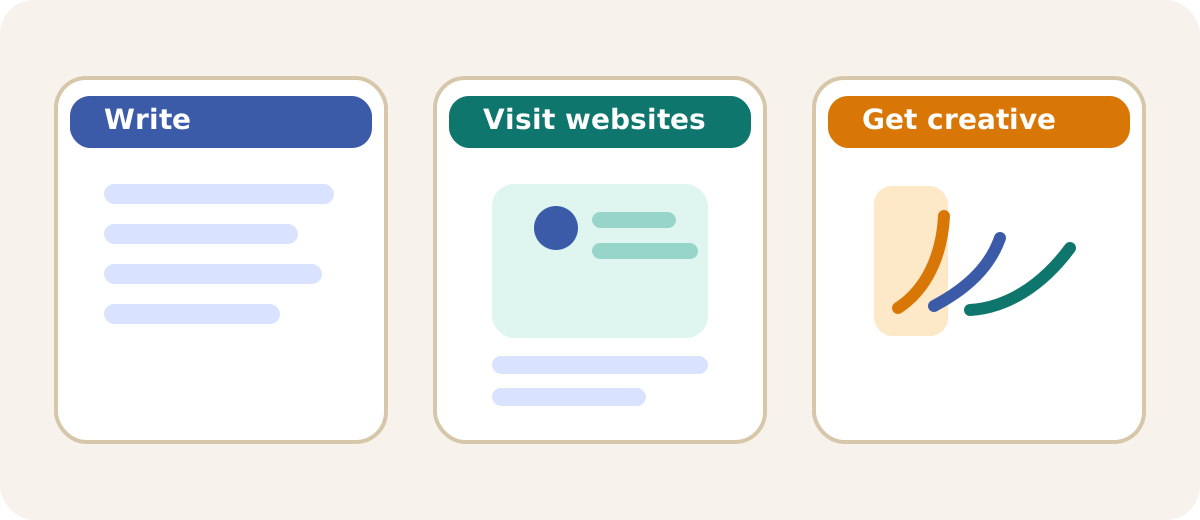
Three illustrated panels showing a word processor, a web browser, and a creative editing program.
Writing, browsing, and creating all need different kinds of programs.

Your programs

Name at least three additional programs that you are familiar with. Do not repeat the ones from Task 1. You are only allowed to name one game.
A colorful grid of app-style icons representing music, chat, calculator, maps, drawing, and school software.
Apps count as programs too, not just software used on a desktop computer.

Tip

Apps are programs too. Messaging apps, music apps, drawing apps, school apps, and calculators all count.

Are you sure it’s a program?

Sometimes it is not straightforward to tell. Ask yourself: does it perform a task, or does it process data?
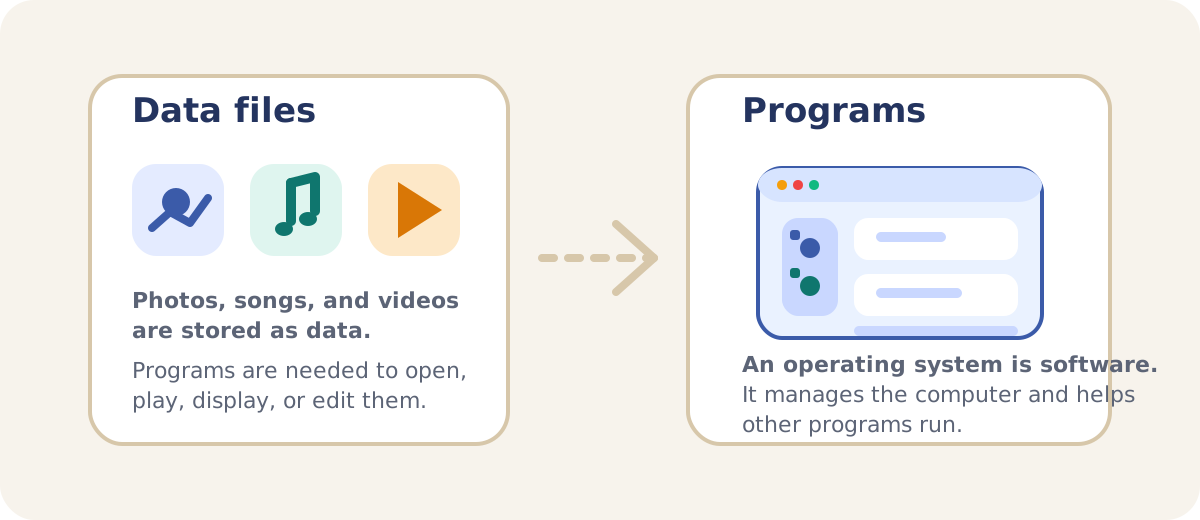
A diagram comparing data files like photos, videos, and songs with software like an operating system that runs and manages a computer.
Data is used by programs. Operating systems manage the whole computer.

Are the videos, images, and sounds on your computer programs?

Explorer question: Are Android, Linux, macOS, iOS, or Windows programs?

Thinking support

Programs carry out instructions. Data gets stored, shown, played, or changed by programs.